



S4 eSuite · Budget Management Separate Budget Category from Chart of Accounts.
Set budgets by cost element, cost center, and project. Automatically warn or block over-budget transactions at every step – from PR to PO to invoice.
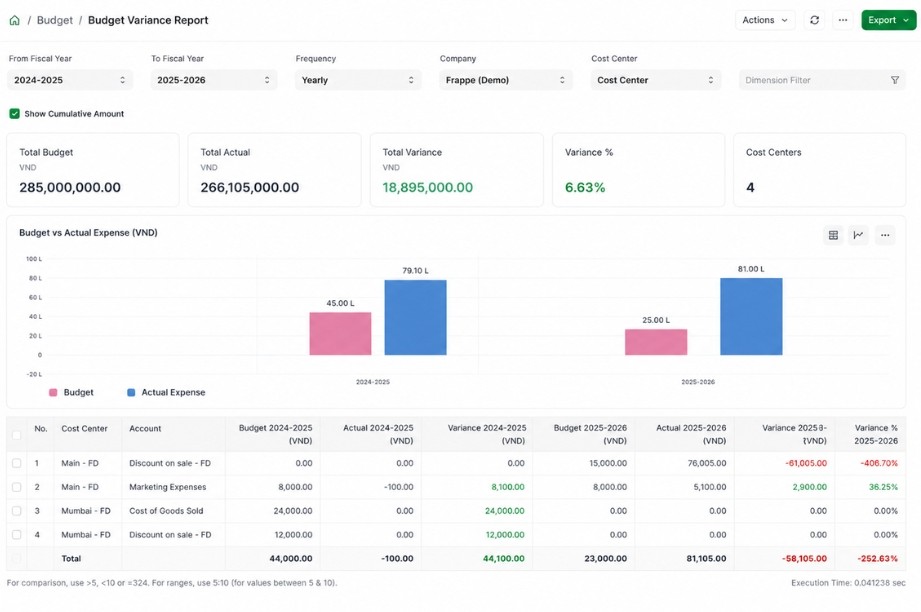
Not just controlling spend – controlling it before it happens.
S4 eSuite helps you plan, allocate, and control budgets starting from the planning stage itself. Every transaction is checked against remaining budget, preventing overspend and strengthening financial control.
Budget by Budget Category, independent of the chart of accounts.
Set budgets by Budget Category, Project, or Cost Center, then filter and classify flexibly by dimension – from simple to complex, matching your business’s real operating model.
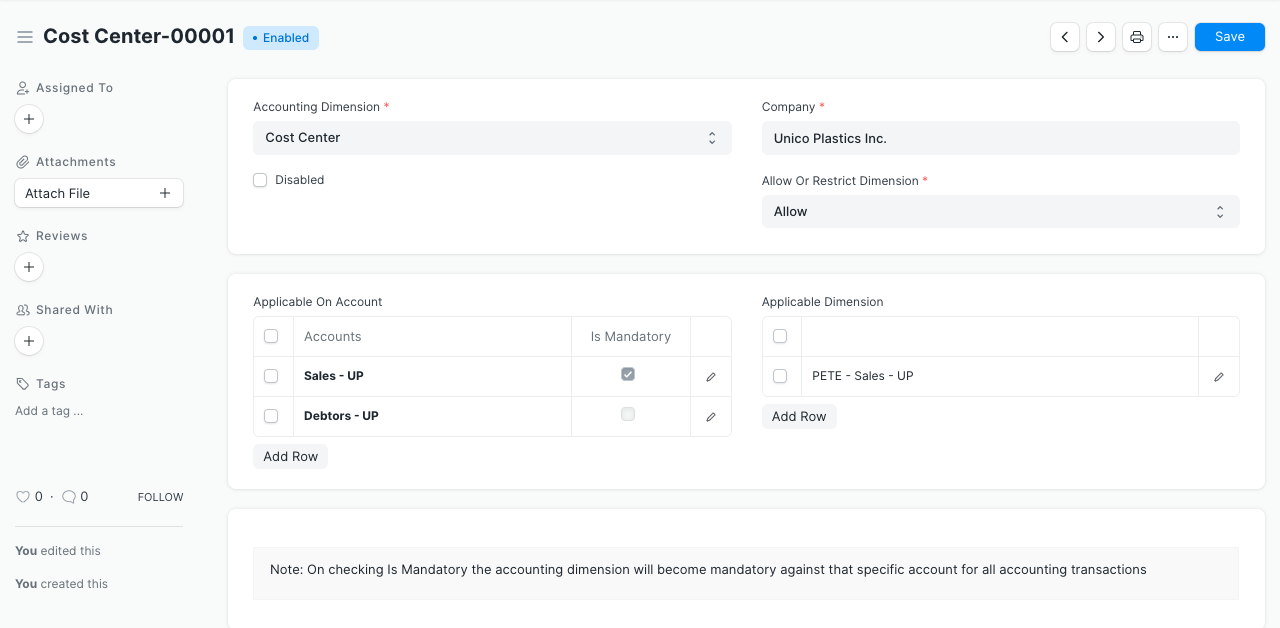
Allocate Budget by Management Level
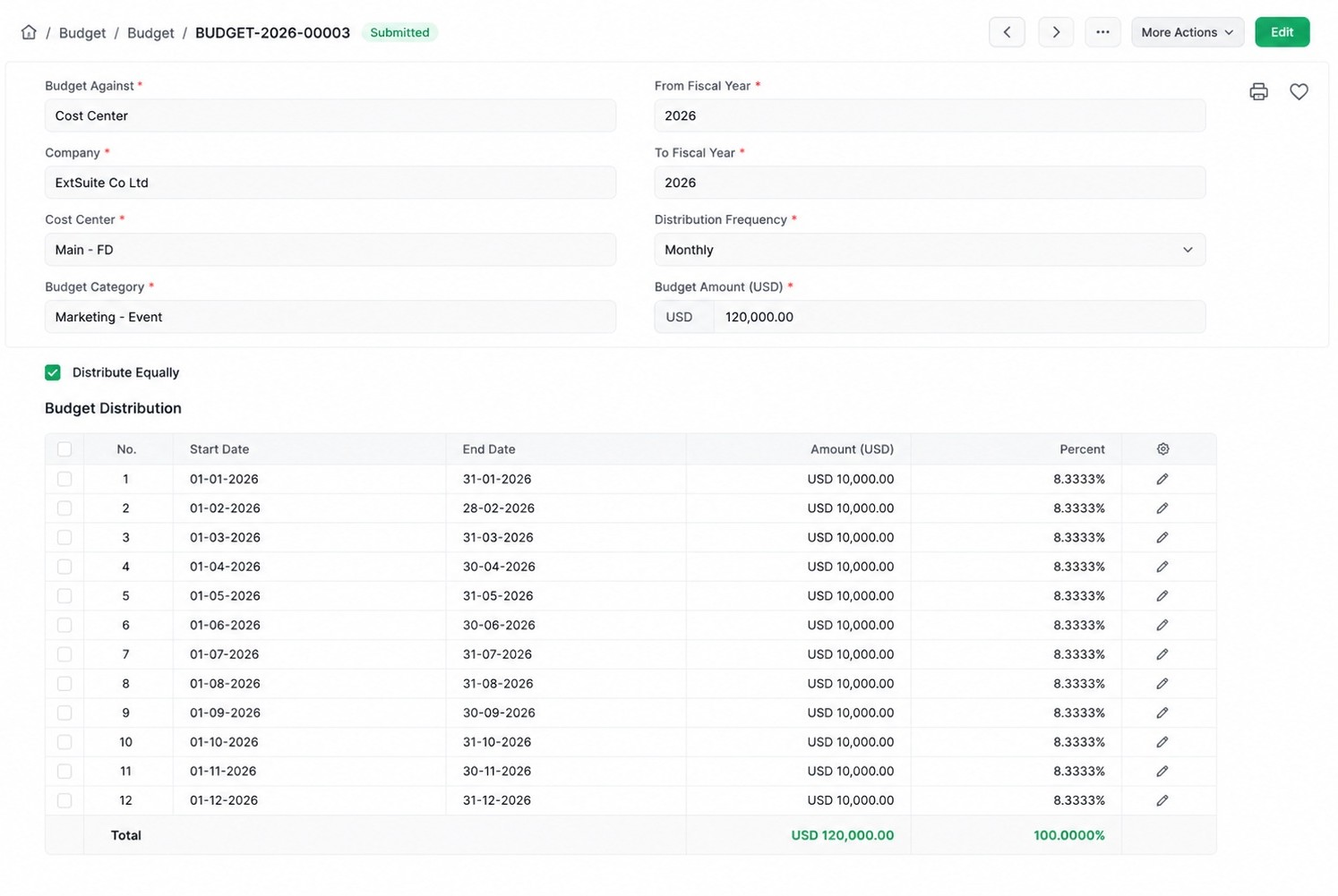
Allocate budget down to each department, project, or cost center based on your organizational structure. Every budget balance updates in real time as transactions occur.
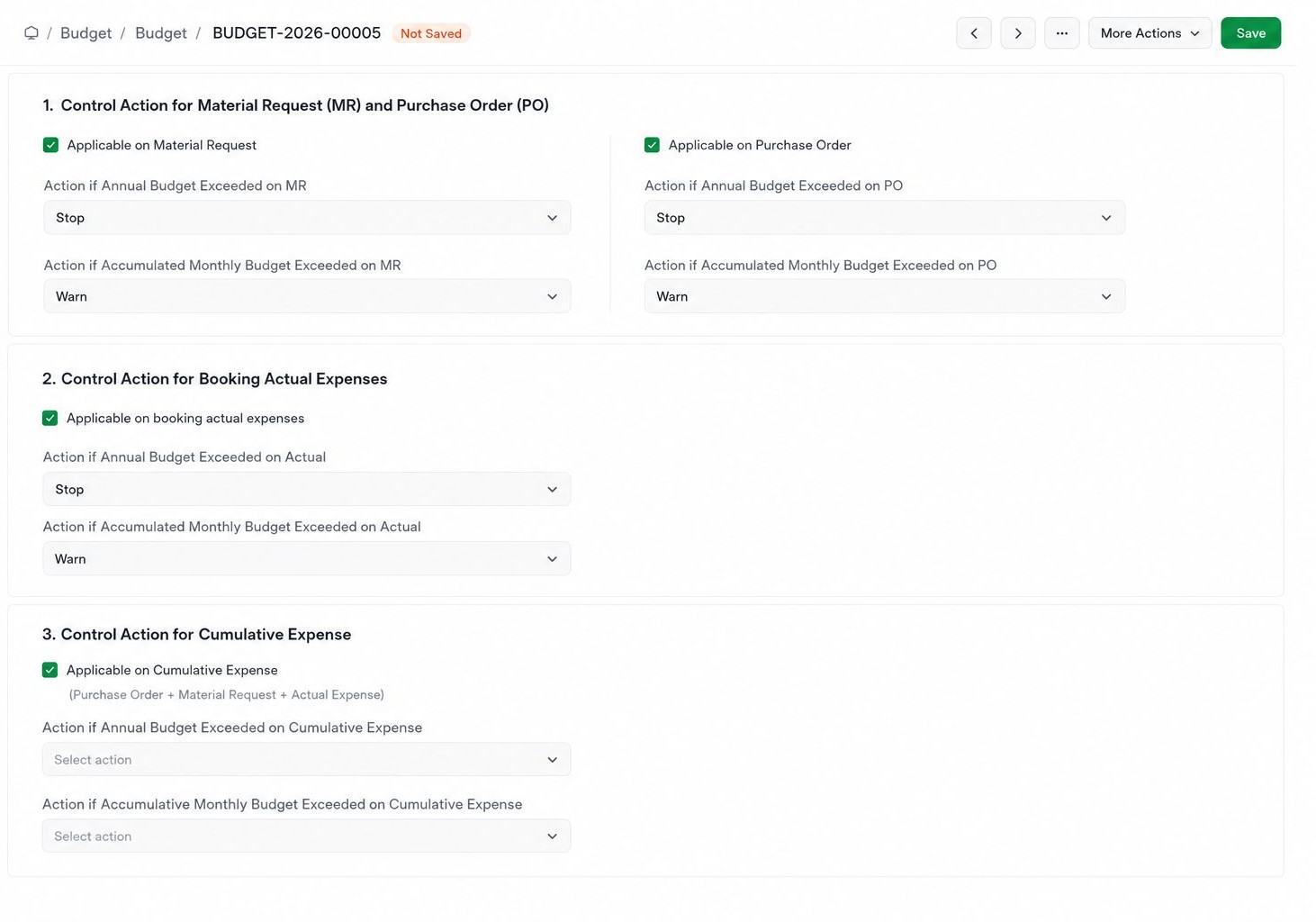
Real-Time Budget Control
Every transaction – from Purchase Request through PO to invoice – is checked against remaining budget. The system automatically warns or blocks over-limit transactions, based on the policy your business sets.
Flexible Budget Revisions
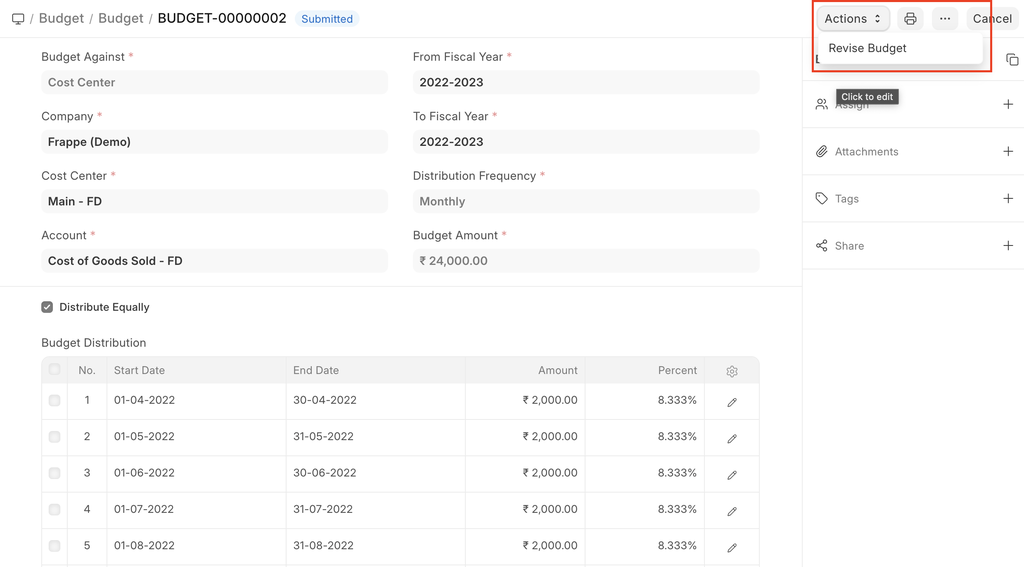
Budgets can be revised mid-fiscal-year as business plans change, with a full revision history and stated reasons for reconciliation and audit purposes.
Visual Budget Analysis
Track spent, remaining, and forecast budget by Budget Category, Project, or Cost Center in a visual variance report, supporting timely decisions.
Exception Approval for Over-Budget Transactions
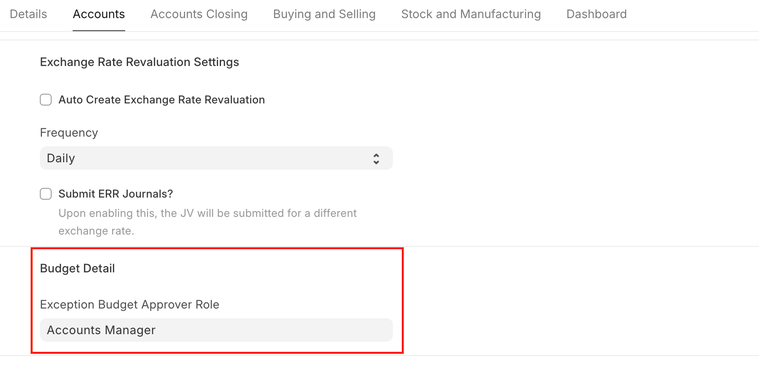
When a transaction exceeds budget, the system automatically routes it to an exception approval workflow at the right authority level, so you stay in control of real-world situations as they arise.
Seamless Integration with Leading ERP Systems
S4 eSuite Budgeting connects with the most popular ERP platforms, so you never have to replace your core system.



Frequently Asked Questions
Answers to common questions about S4 eSuite’s Budget Management solution.
Budget Management is a centralized budgeting solution that helps you plan, allocate, and control budgets by Budget Category, Project, or Cost Center – controlling spend as soon as a purchase need arises, not after it’s already posted to the books.
Every transaction – from Purchase Request through PO to invoice – is checked against remaining budget in real time. When a transaction exceeds the limit, the system can warn or block it, based on the policy your business sets.
Yes. Budgets can be set by Budget Category, Cost Center, or Project, depending on your governance model and control needs.
Yes. Budgets can be allocated across a multi-level org structure, from the company level down to specific departments, projects, or cost centers.
Yes. You can revise budgets mid-fiscal-year, with a full change history for reconciliation and internal audit.
The system provides reports on spent, remaining, and forecast budget by Budget Category, Project, or Cost Center, supporting timely decisions.
Yes. S4 eSuite integrates directly with Oracle NetSuite, SAP Public Cloud, Microsoft Dynamics 365, and Oracle Fusion Cloud, syncing budget and transaction data both ways.
It’s a great fit for mid-size and large enterprises that need tight budget control across multiple departments, projects, or cost centers – especially those already running on an ERP platform like NetSuite, Acumatica, SAP, or Dynamics 365.
Built for mid-size and large enterprises
Deep Customization for Your Business
No rigid ERP template to work around. Customize fields and budget conditions to match how your business actually operates.
Cloud & On-premise
Deploy flexibly on cloud or on-premise, based on your infrastructure and security policies.
Built to Scale
Multi-user, multi-level approval architecture, built for businesses with large headcounts and high transaction volumes.
Request a DemoReady for Tighter Budget Control?
Talk to S4 for an implementation roadmap for S4 eSuite Budget Management tailored to your business.

Need a trusted ERP partner in Vietnam? Let’s discuss your project!