


Velixo · Excel Reporting for Acumatica Cloud ERP Bring Realtime Data From Acumatica ERP Into Excel.
Velixo connects directly to Acumatica Cloud ERP, letting your finance team analyze by project, by company, plan budgets, and write data back to the ERP – right inside Excel, with AI assistance in every cell. No data warehouse, no rigid reports, no waiting on IT.



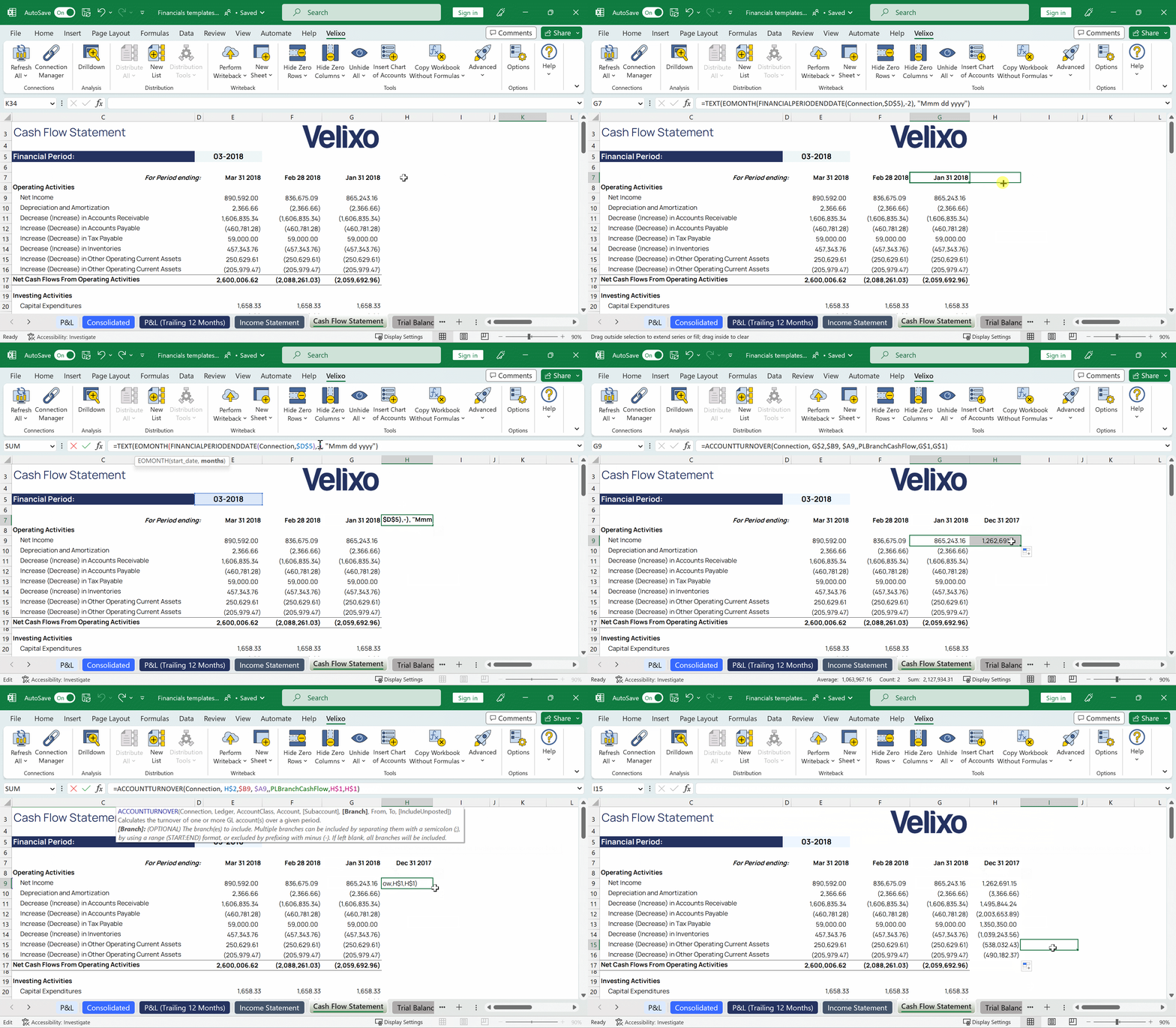
From reporting to automation – one platform inside Excel
Velixo goes from reading ERP data to writing it back, with AI assisting at every step – all living inside the workbook your finance team already uses every day.
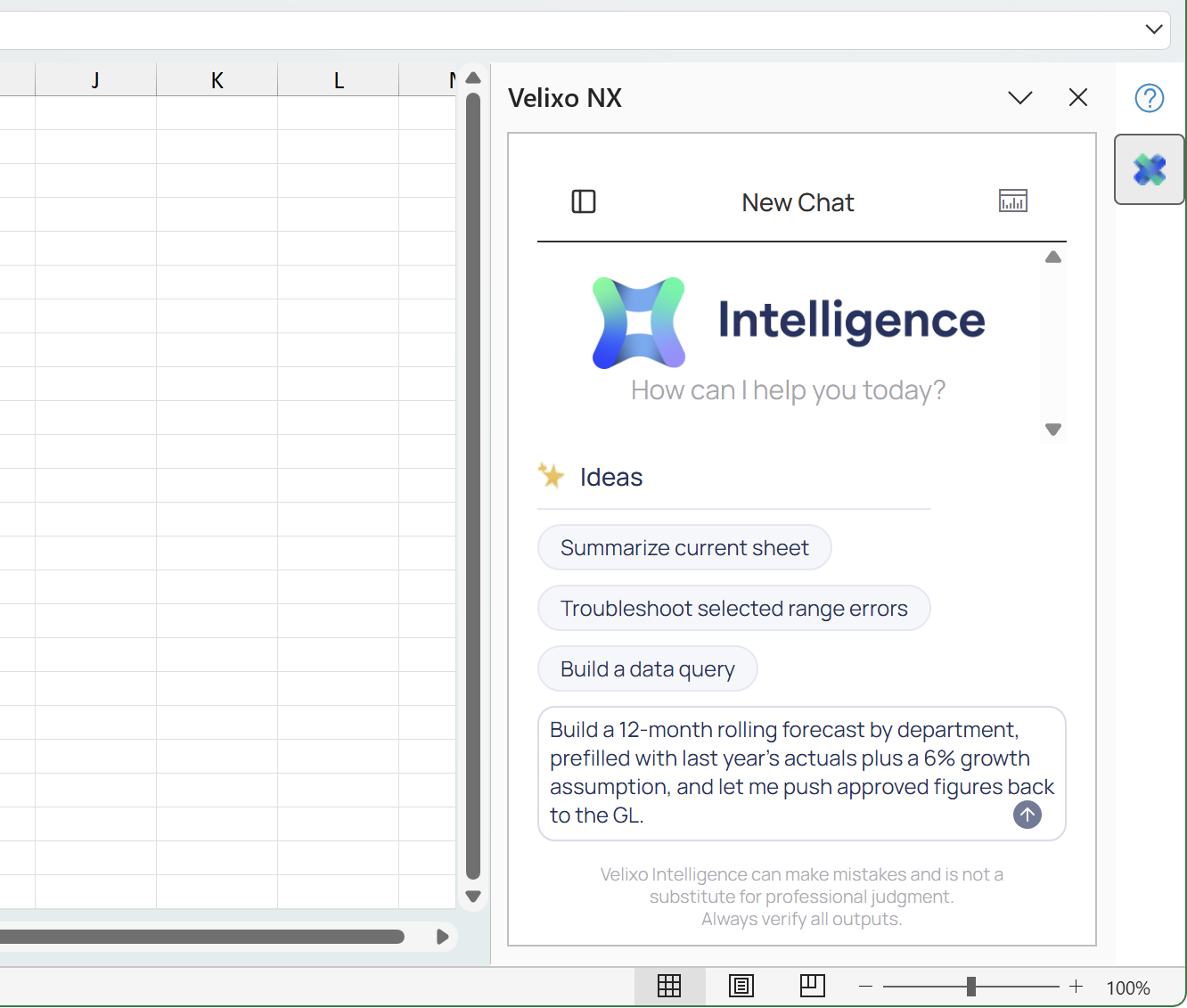
Intelligence – AI in the cell
Velixo Intelligence runs right inside the Microsoft 365 your Acumatica users are already signed into. Ask in natural language and get an answer with the underlying data rows highlighted – never leaving Excel.
Report – Live reports, no re-exporting
GL data, project costs, AR/AP, and payroll data pull straight into Excel cells through built-in functions or an AI query builder for reports you’ve never built before, with Smart Refresh keeping everything current.
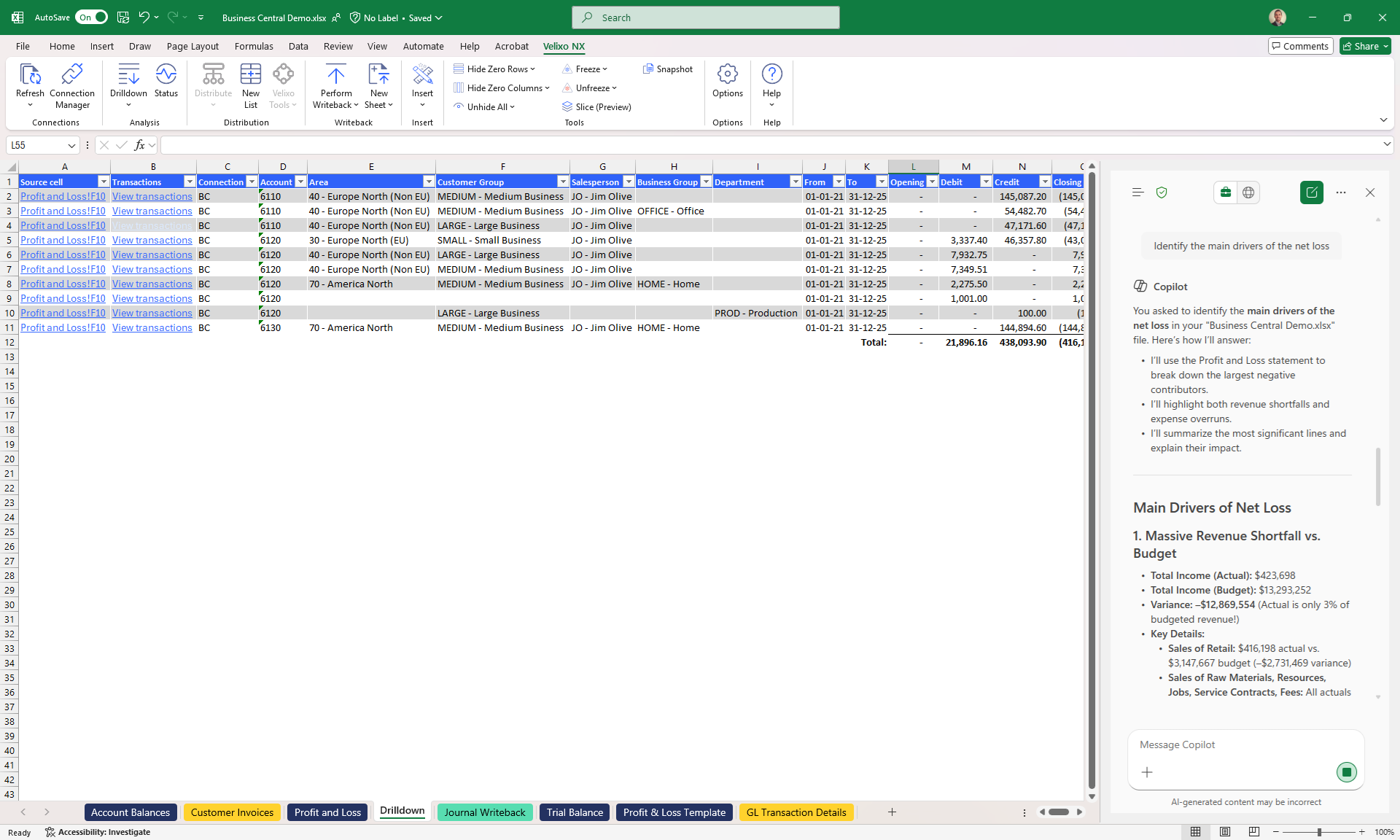
Analyze – Every number is traceable
Click any figure to open the underlying record, pivot and slice by dimension or by project from whatever angle you need – jump straight from an Excel cell to the original Acumatica transaction.
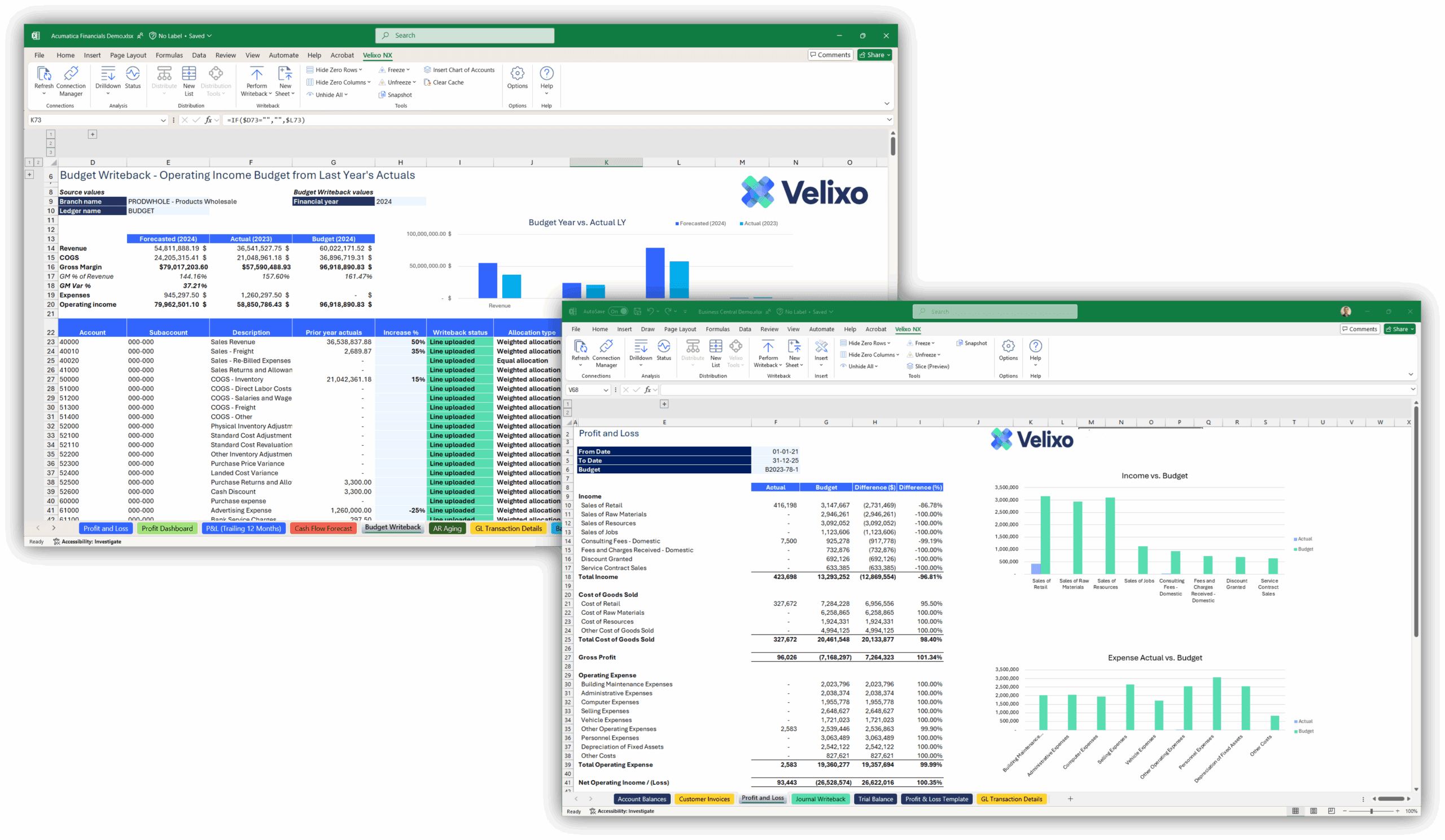
Budget & Plan
Build budgets in Excel, allocate by dimension or by project, and manage multiple scenario versions. Push hundreds of budget lines back into Acumatica from a single sheet.
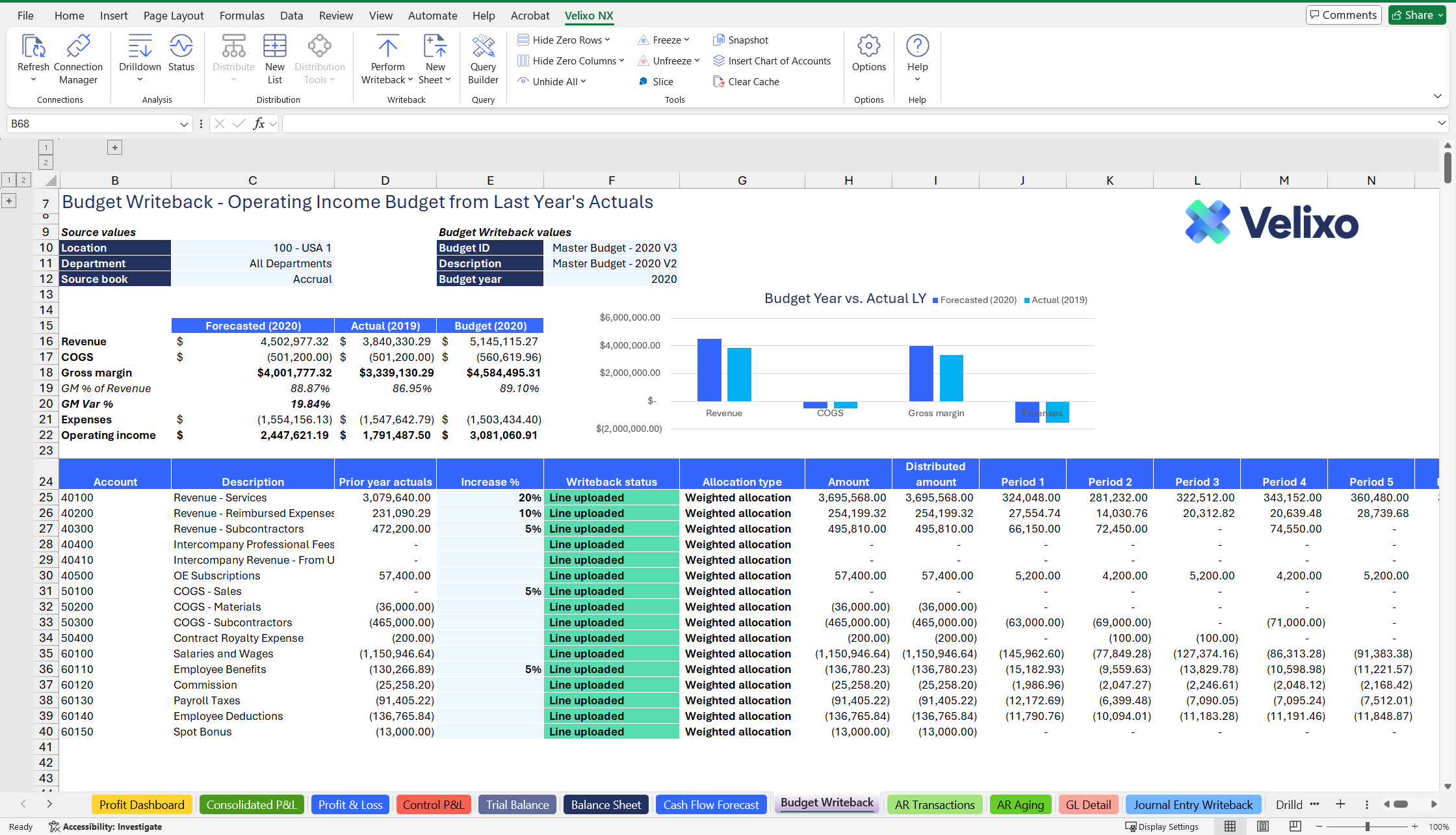
Push – Write data back to the ERP
Post hundreds of GL Journal lines, bulk-update entries, reclassify mismatched dimensions – all from Excel through generic writeback. If a push fails, just ask Velixo Intelligence why.
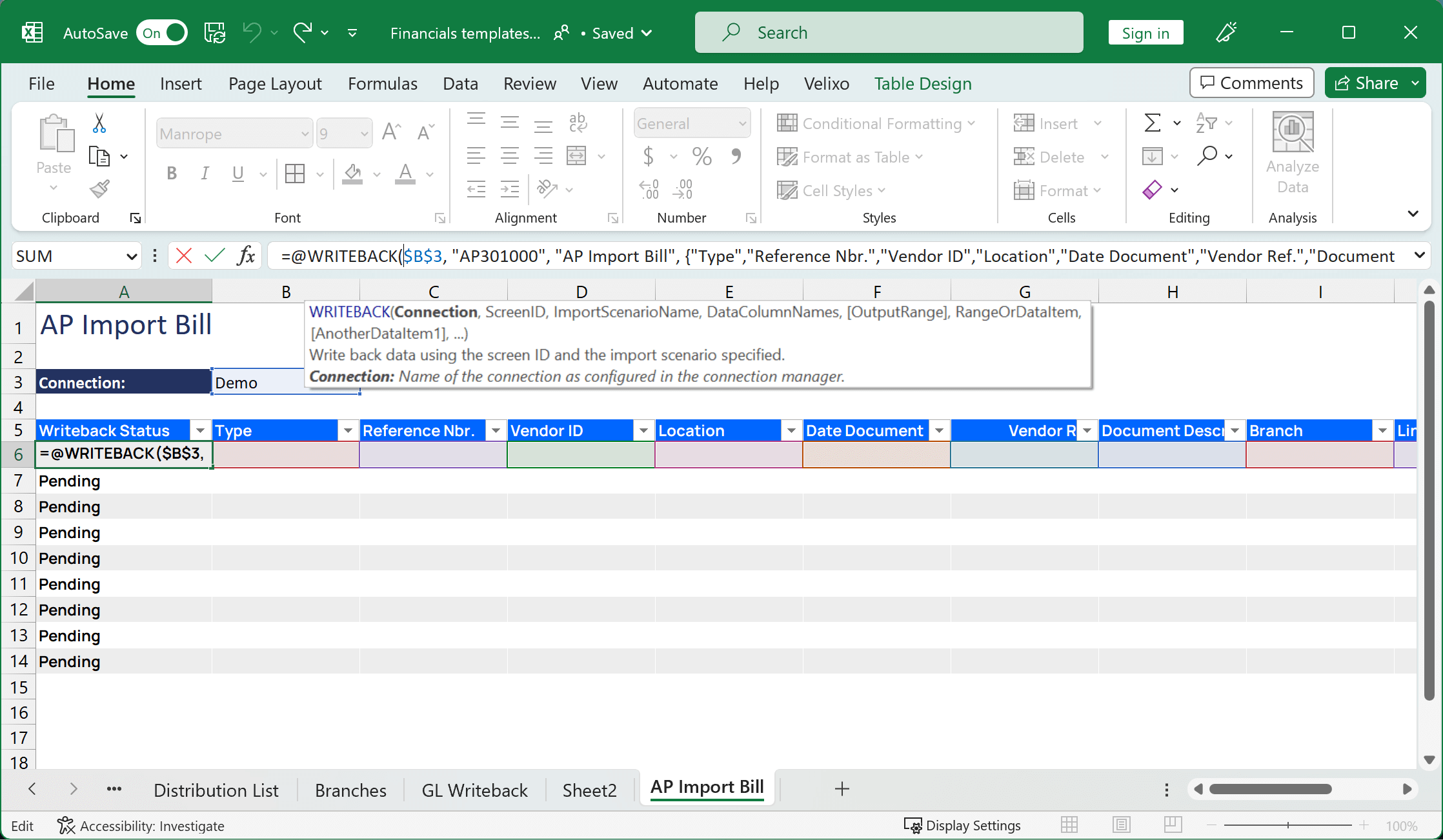
Govern & Collaborate
Sign in via Microsoft Entra ID, inherit permission sets from Acumatica, SOC 2 Type II compliant. Every writeback is logged to an audit trail for compliance.
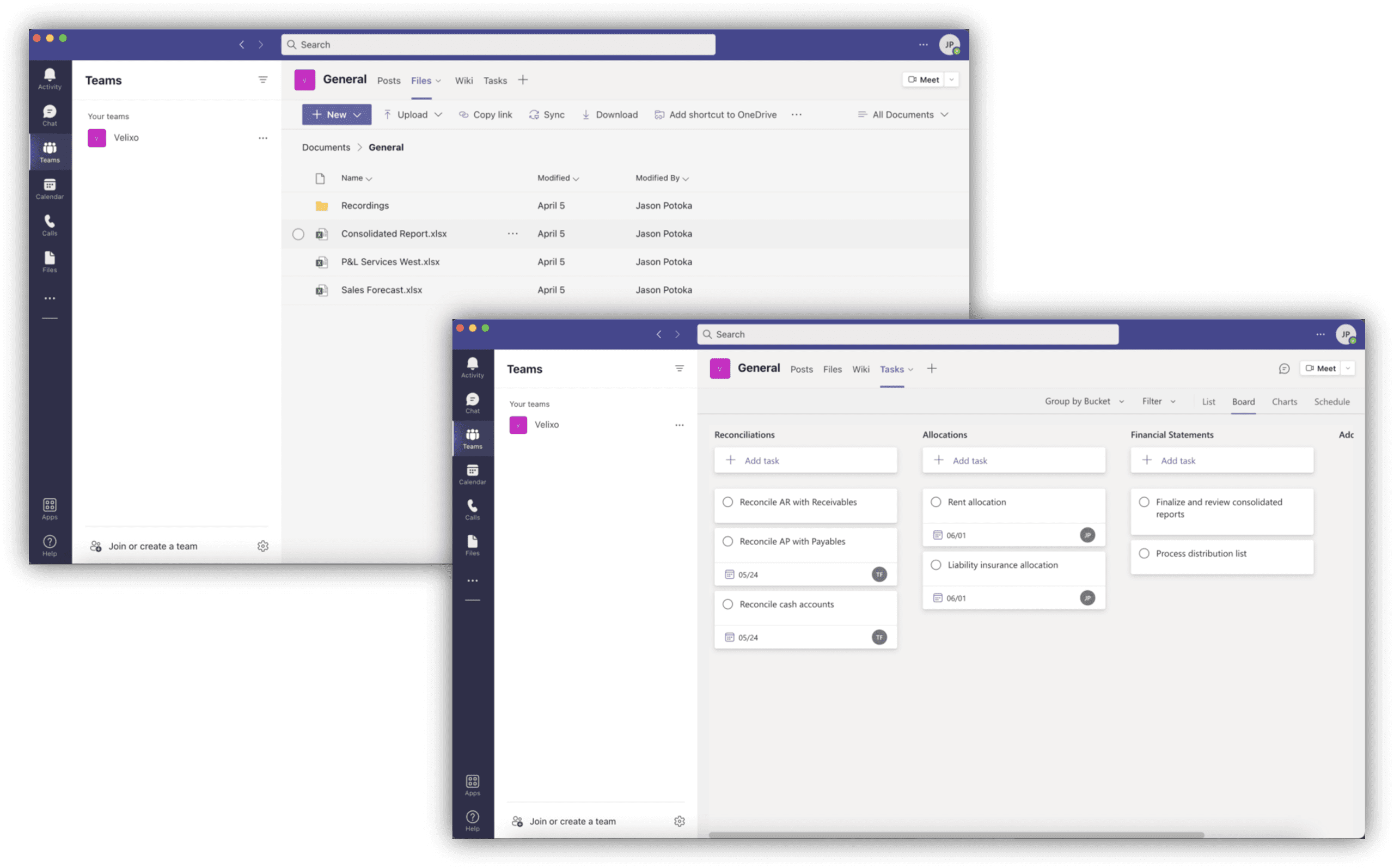
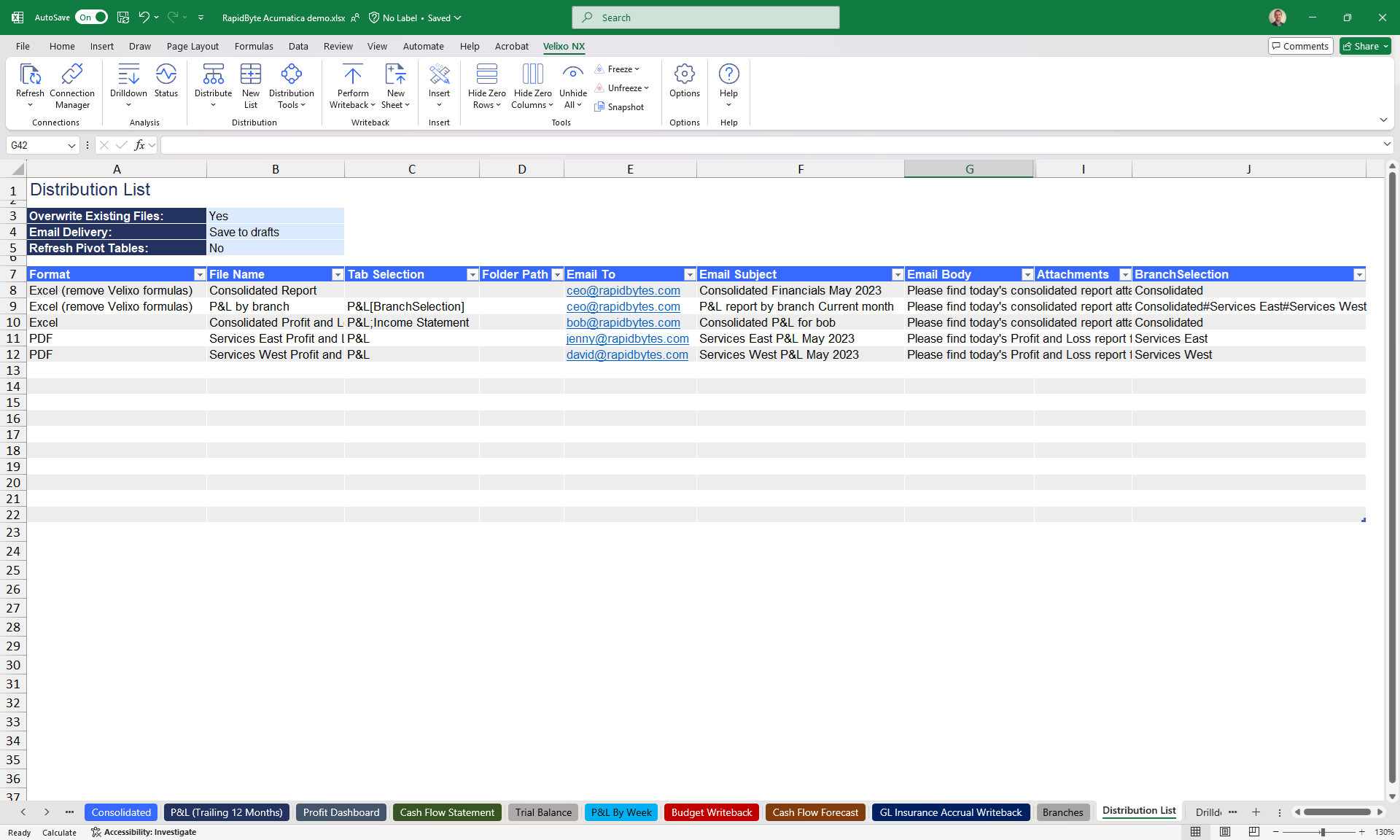
Distribute & Automate
Schedule reports to be emailed out, embed live Excel cells into Teams, or trigger Power Automate flows every time data is refreshed.
Complete Acumatica financial data, right inside Excel
From daily financial reporting to project costs, multi-company consolidation, and budgeting – all in a single Excel workbook, not a rigid set of reports built into the system.
Financial Reporting
- Profit & Loss
- Balance Sheet
- Trial Balance
- Cash Flow Statement
- Bank and Expense
Financial Consolidation
- Multi-company consolidation
- Multi-entity consolidation
- Currency conversion audit
- Eliminations
Project Accounting & Construction
- Cost to Complete
- WIP – Work in Progress
- Project Estimates vs. Actuals
- Pay When Paid
Budgeting & Planning
- Strategic planning
- Cash flow forecasting
- Scenario analysis
- Revenue & expense planning
Sales Commission
- Tiered commission calculation
- By product/customer commission
- Bulk commission-rate updates
Operational Analysis
- AR aging
- AP aging
- Sales analysis
- Purchasing analysis
Flexible analysis, not locked into rigid reports
Velixo doesn’t replace Acumatica – it turns Excel into a reporting and automation layer sitting directly on top of the ERP data you already run.
Flexible analysis, no waiting on IT for a new report
Build, pivot, and slice reports by dimension or by project right in Excel to match the exact question you’re answering – instead of relying on rigid built-in Acumatica report templates or waiting on IT every time you need a new angle.
True two-way writeback
Post GL Journal entries, create or update budget entries, reclassify mismatched dimensions through generic writeback – all from Excel, with a full audit trail. Most BI tools only read; Velixo writes back to Acumatica too.
AI right in the cell – Velixo Intelligence
Ask in natural language why a number changed, or which project is running over budget, and get an answer with the underlying data rows highlighted – same permissions, same data as Acumatica, never leaving the workbook.
No IT or coding needed, still fully governed
Extend Excel with cell-level dynamic functions, build pixel-perfect reports right in the workbook you already know. Permissions inherit from Acumatica, sign-in via Microsoft Entra ID, SOC 2 Type II compliant.
Ready to bring your ERP data into Excel?
Talk to S4 for a Velixo implementation roadmap tailored to your Acumatica Cloud ERP system.
Answers about Velixo
Common questions businesses ask when evaluating S4 Consulting’s Velixo Excel reporting solution.
Is S4 Consulting an official Velixo partner in Vietnam?
How does Velixo integrate with Acumatica?
Do I need to know how to code to use Velixo?
Can Velixo write data back to the ERP, or does it only read reports?
Is the data in Velixo real-time?
Does Velixo support project accounting and multi-company reporting?
How long does it take S4 to implement Velixo?

Need a trusted ERP partner in Vietnam? Let’s discuss your project!